> For the complete documentation index, see [llms.txt](https://app-docs.vmarket.vn/llms.txt). Markdown versions of documentation pages are available by appending `.md` to page URLs; this page is available as [Markdown](https://app-docs.vmarket.vn/hop-thu.md).
# Hộp thư
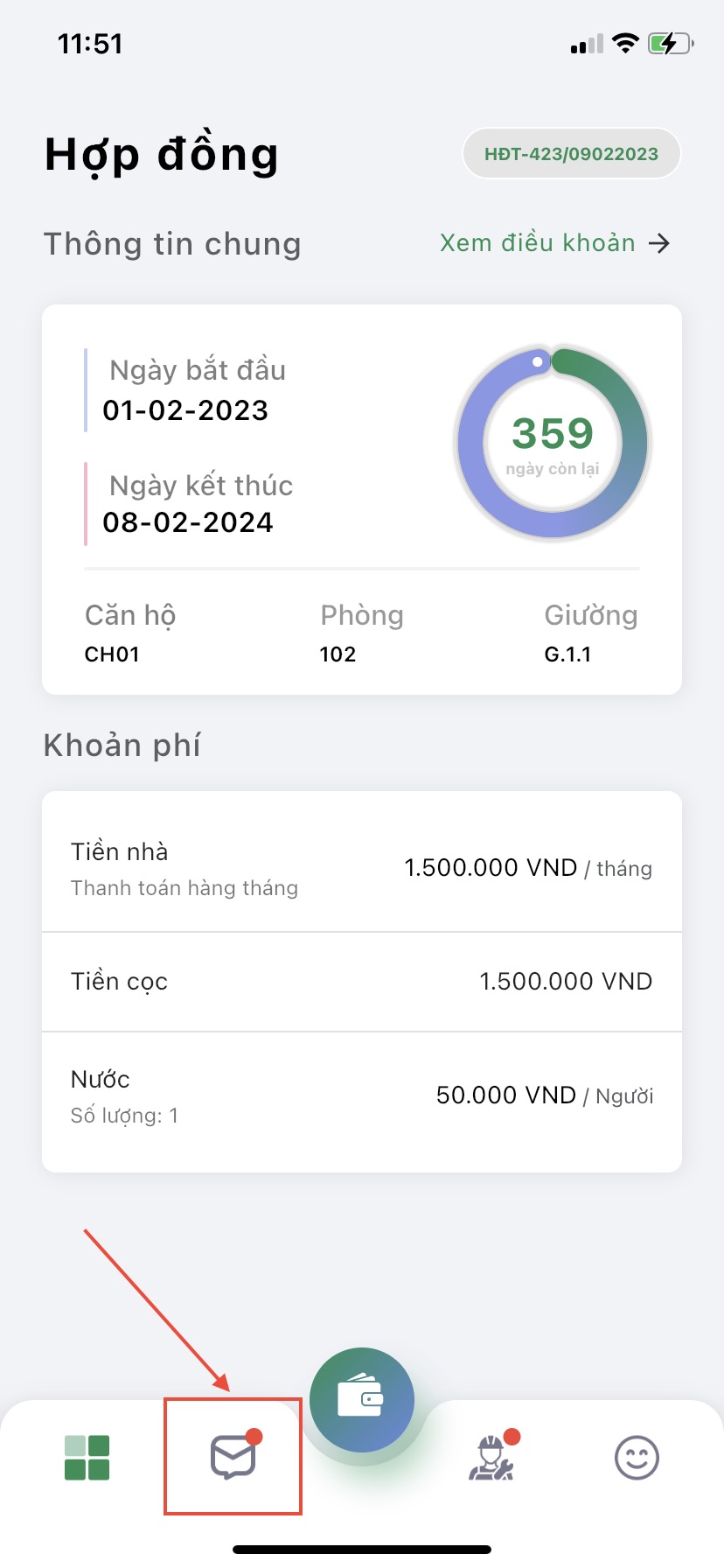
Tại màn hình chính của phần mềm ấn chọn **icon hộp thư**
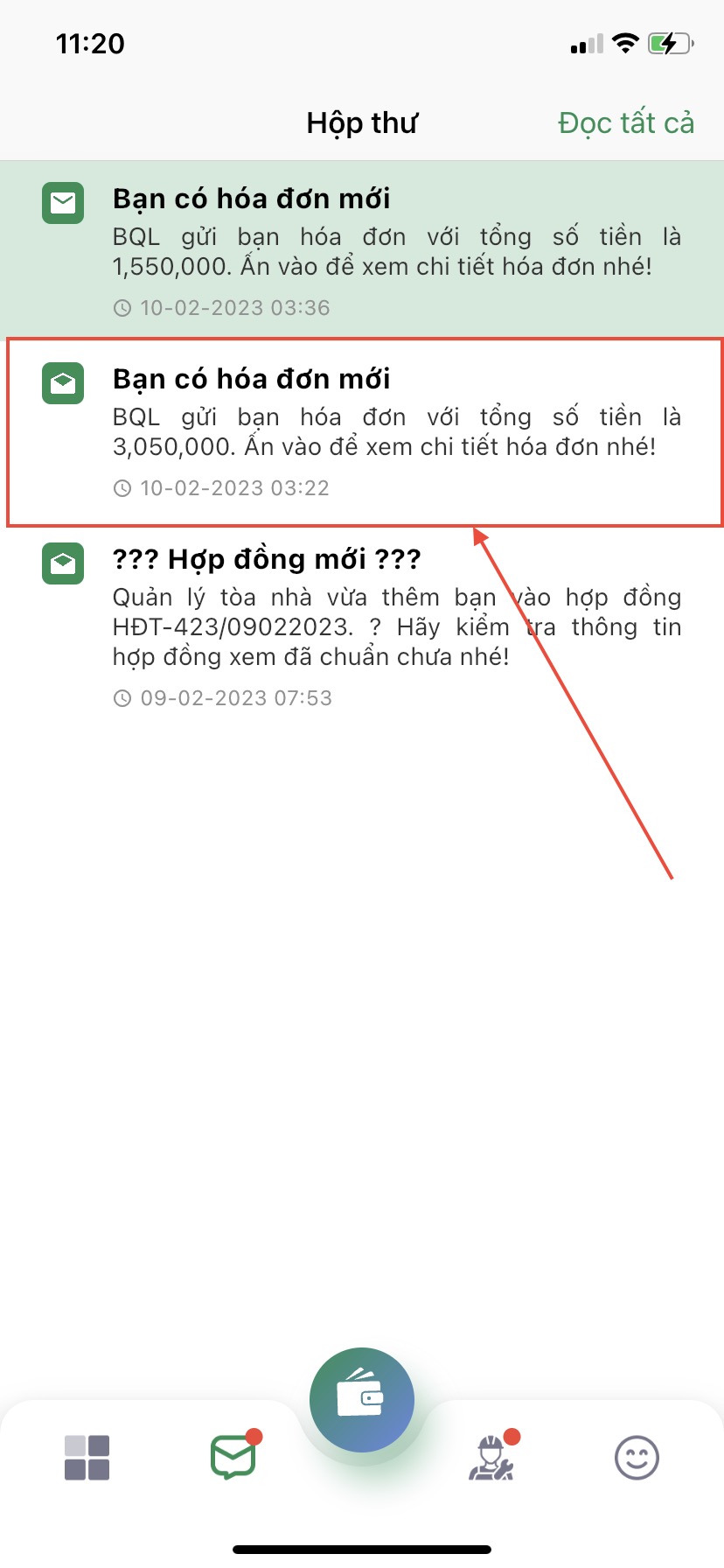
Hộp thư là nơi chứa tất cả các thông báo từ khu kiosk bao gồm các thông báo về tiền kiosk hàng tháng cũng như các thông báo liên quan đến kiosk từ ban quản lý.
Khi nhận được thông báo mới, bạn có thể ấn vào thông báo để xem chi tiết.
Trong trường hợp, bạn muốn đánh dấu đã xem hết các thông báo bạn có thể ấn vào mục **Đọc tất cả**
Mọi thắc mắc xin liên hệ ngay tới hotline **0355.430.074** hoặc gửi về email: **** để được tư vấn và giải đáp. Chúc các bạn thành công!