> For the complete documentation index, see [llms.txt](https://app-docs.vmarket.vn/llms.txt). Markdown versions of documentation pages are available by appending `.md` to page URLs; this page is available as [Markdown](https://app-docs.vmarket.vn/de-nghi-thanh-toan.md).
# Đề nghị thanh toán
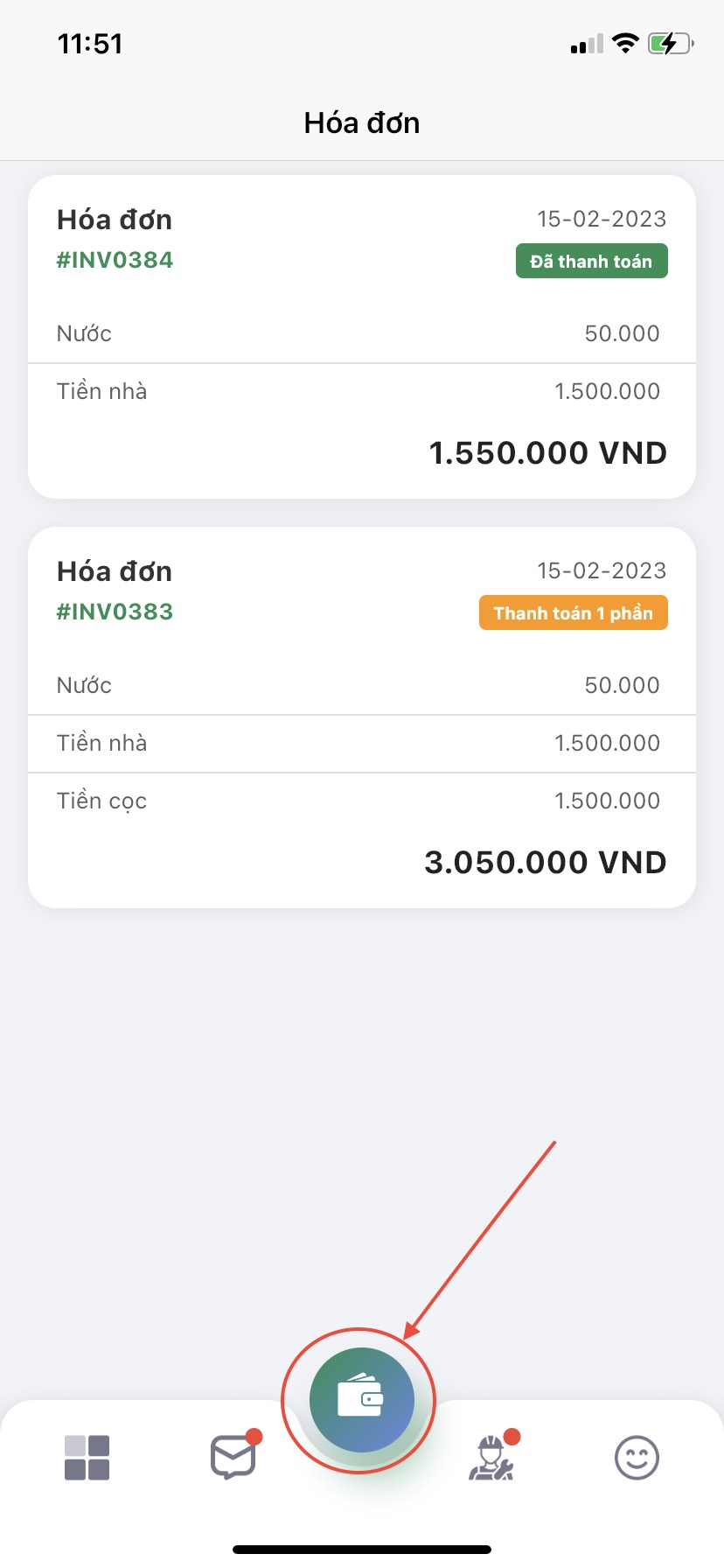
Tại màn hình chính ấn chọn **icon hình Đề nghị thanh toán**
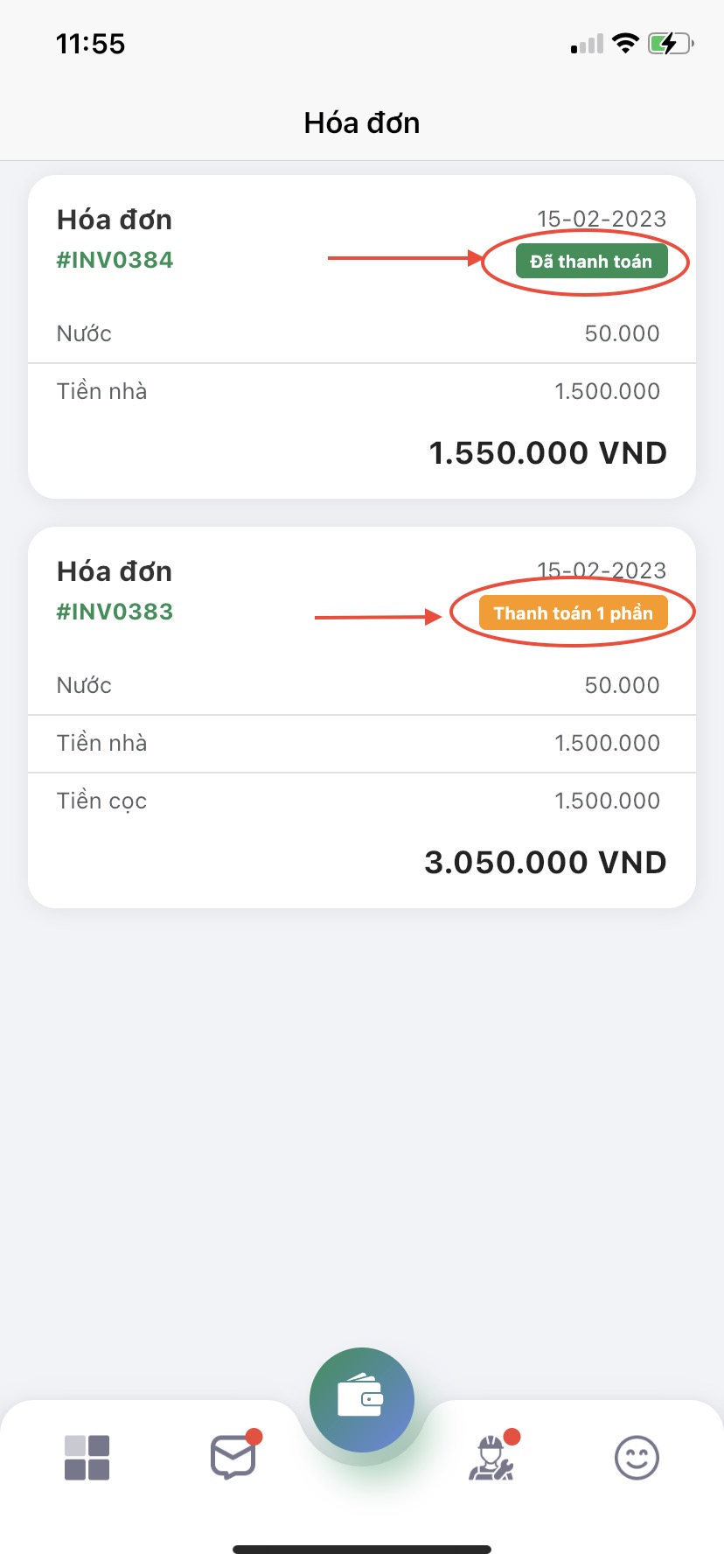
Tại đây, hệ thống đã hiển thị danh sách Đề nghị thanh toán của bạn qua các tháng. Đề nghị thanh toán được phân theo trạng thái: Chưa thanh toán, Thanh toán 1 phần, Đã thanh toán để bạn theo dõi tình trạng thanh toán Đề nghị thanh toán của mình.
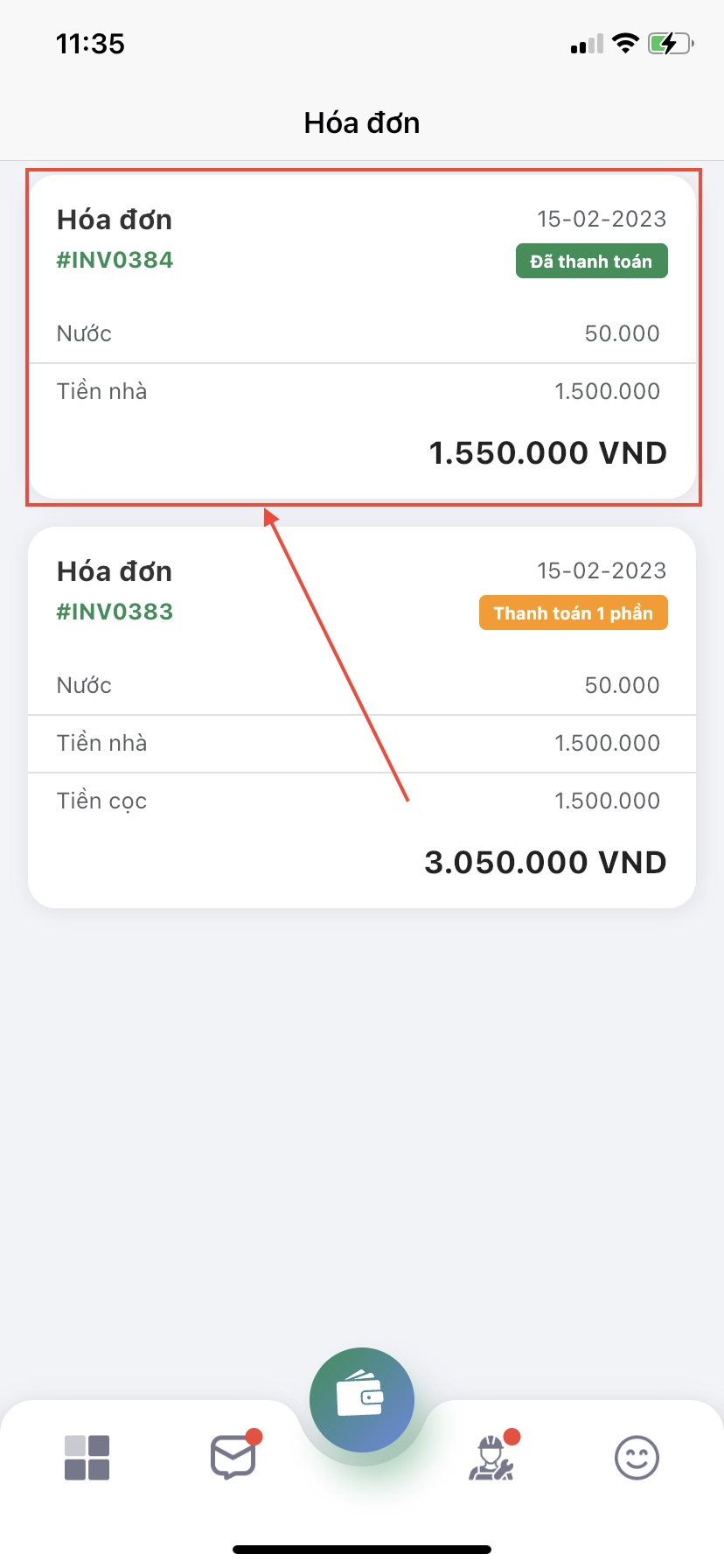
Nếu cần xem chi tiết Đề nghị thanh toán, bạn hãy ấn vào Đề nghị thanh toán bạn muốn xem nhé. Hệ thống sẽ bật lên Đề nghị thanh toán chi tiết như hình dưới đây
Mọi thắc mắc xin liên hệ ngay tới hotline **0355.430.074** hoặc gửi về email: **** để được tư vấn và giải đáp. Chúc các bạn thành công!